More About the System
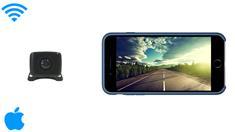
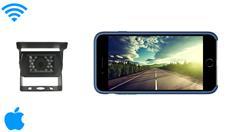
In this video, Tommy provides a step-by-step guide on setting up a Wi-Fi backup camera and connecting it to your iOS or iPhone device. The tutorial begins with connecting the transmitter to the camera, using both RCA and barrel connectors.
The power is supplied through a 12-volt source, which can be attached to either a running light or an ignition light, depending on whether you want the camera to be on all the time or only when the vehicle is in use. The next step involves downloading the Wi-Fi AV app, which connects your iPhone or iPad to the backup camera’s Wi-Fi network. Once the connection is established, the app allows you to view the camera’s feed, record video, and even take pictures. The video also demonstrates how to access the recorded content and share it with others.
With this simple guide, you’ll be able to enjoy a smooth and reliable backup camera system on your iPhone or iPad. This setup ensures added safety while driving, offering both convenience and peace of mind.
Helpful Articles and Guides





 Reviews