Not sure which systems work with your vehicle? Call us 24/7

(866) 966-5550
Logo
videoTV
Logo
Logo
Logo

How to Install a Wireless Backup Camera System | Easy Step-by-Step Tutorial by TadiBrothers

(139)

As low as $274.99

More About the System

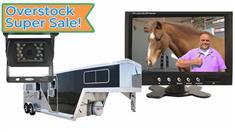
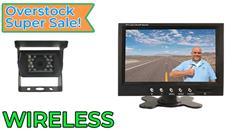
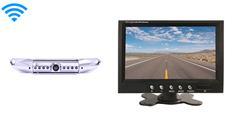
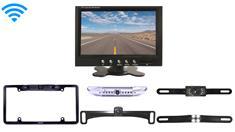
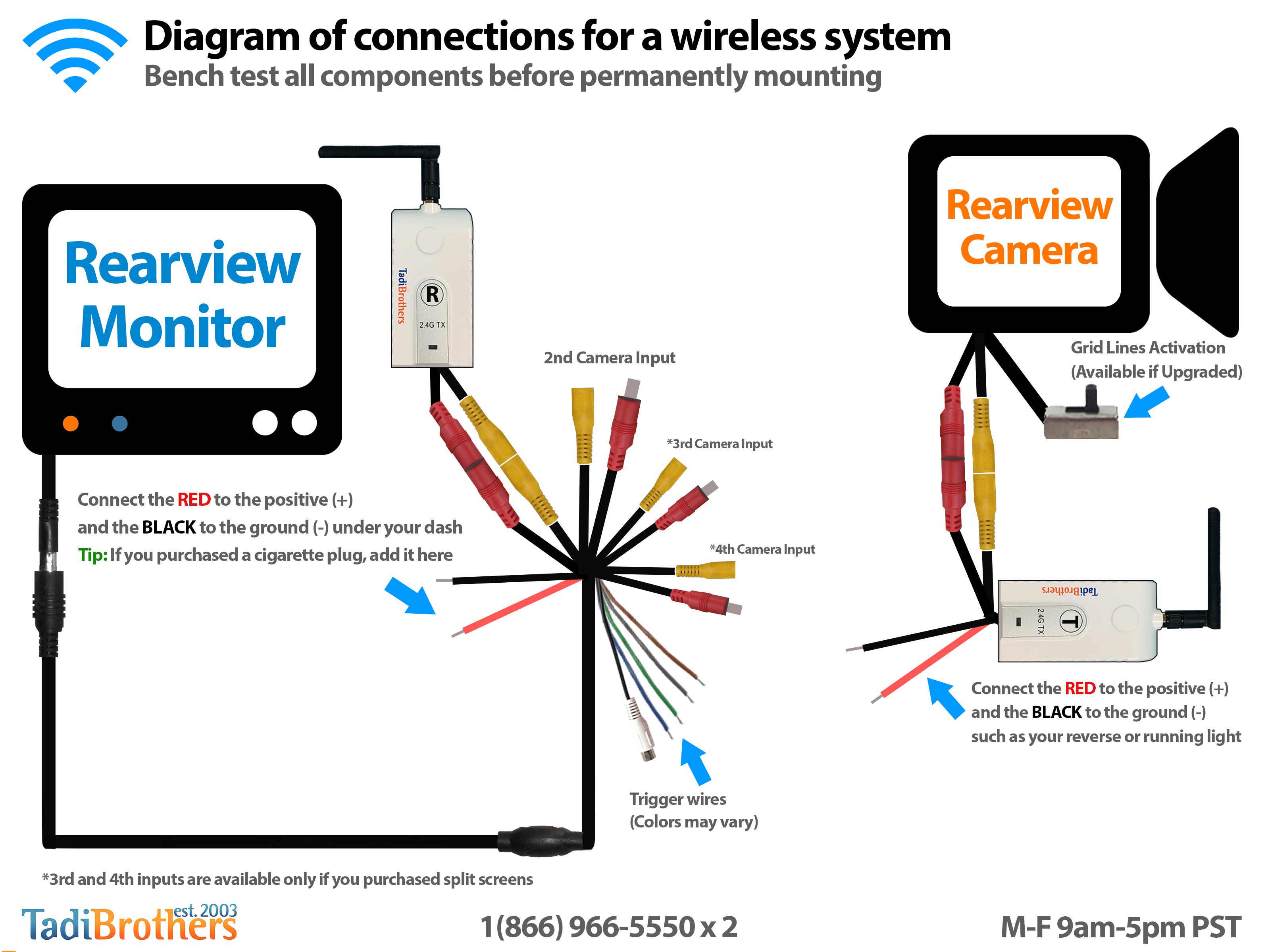
Learn how to easily install a wireless backup camera system with TadiBrothers! In this step-by-step tutorial, Tamir demonstrates the process of connecting an RV camera, or any camera with kin connectors, to a wireless transmitter and monitor. Whether you're installing a license plate camera, bumper camera, or overhang camera, this guide will walk you through every step, from connecting components to power sources to setting up trigger wires for additional cameras. Tamir also shares tips for pairing digital transmitters, using a 7-inch monitor, and troubleshooting common issues. With TadiBrothers' backup camera systems, you'll enhance your vehicle's safety and visibility, all while making installation a breeze. Watch the full video for expert advice and helpful installation tips!

Manuals related to this video :

Logo

6924 Canby Ave, #107 
Reseda, CA 91335 

Phone:(866) 966-5550

 [email protected]

Sales hours 24/7

Service Hours M-F 9am-4pm PST

icons
icons
icons
icons
icons

General

Home

FAQs

About Us

Terms & Conditions

Privacy Policy

Contact Us

Backup Camera Categories

Rearview Backup Cameras

RV Rearview Camera Systems

Wireless Backup Camera Systems

Specific Car Backup Camera Systems

Commercial Backup Camera Systems

Popular Backup Camera Systems

Backup Camera Kits

Customer Service

Shipping

Return Policy

Blog

Coupons

Fleet Camera Systems

Reviews

Other Popular Products

Parking Sensors

Dash Cameras

GPS Navigation Systems

Car Electronics

Fleet Form

Copyright © TadiBrothers. All Rights Reserved.