More About the System
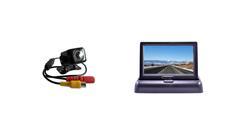
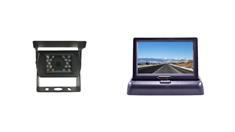
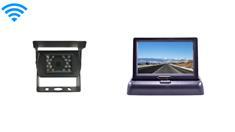
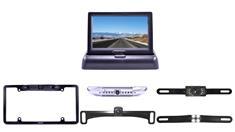
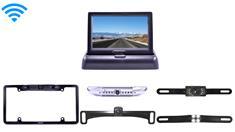
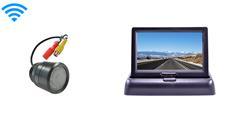
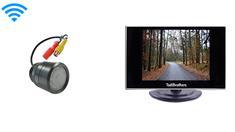
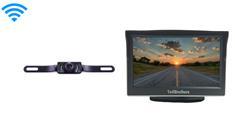
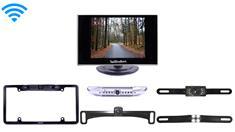
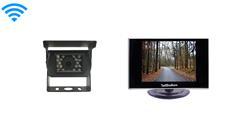
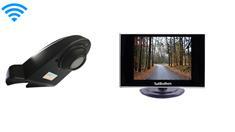
Looking to install a wireless RV backup camera with a 5-inch monitor? In this easy-to-follow tutorial, Tommy walks you through the entire setup process, making it simple for anyone to do it themselves. This guide works for RV cameras, bumper cameras, and license plate cameras—as long as they use RCA connections!
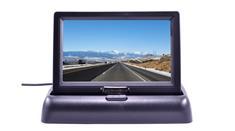
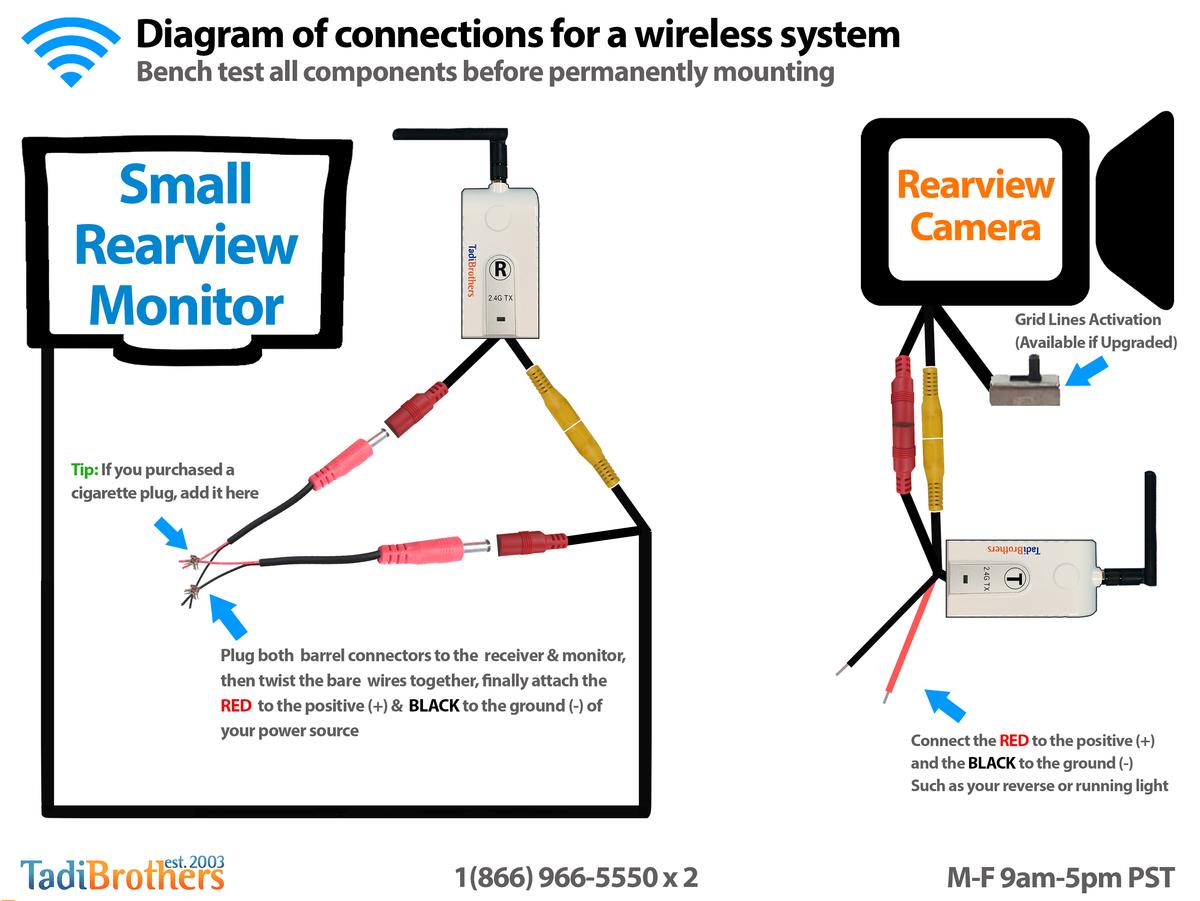
First, you’ll learn how to mount the monitor using the base or suction cup, depending on your preference. Then, Tommy explains how to connect the transmitter to the camera before plugging it into a 12V power source to prevent shortages. He also highlights the importance of bench testing your system before installation to ensure everything works properly.
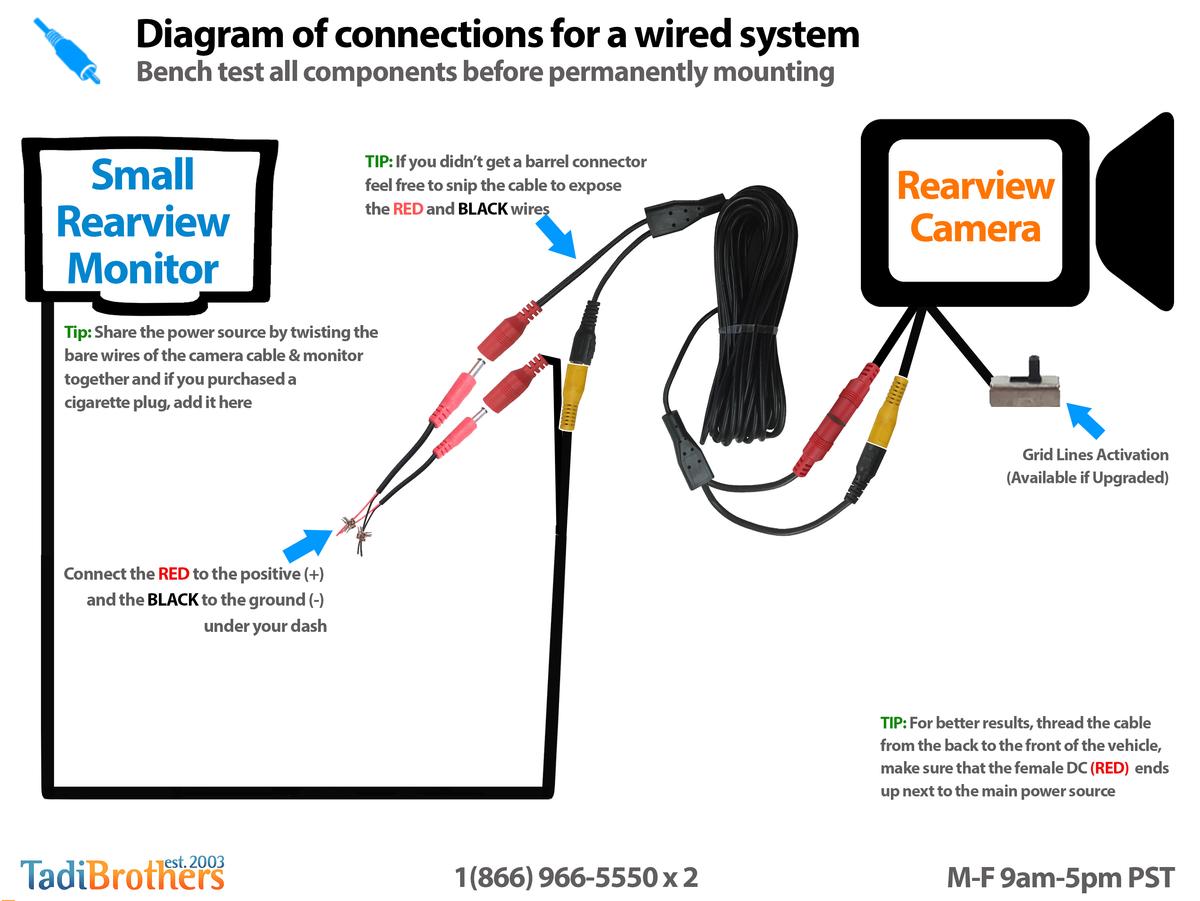
You'll also get key troubleshooting tips, such as making sure both the monitor and transmitter are powered independently. With clear instructions on wiring, barrel connectors, and power management, you'll have your backup camera up and running in no time.
Whether you're upgrading your RV's safety or installing a backup camera for the first time, this guide will help you do it with confidence!
Helpful Articles and Guides